
Show instructions for
Care team
Keeping your providers and their contact details.
Tap Care Team at the bottom.
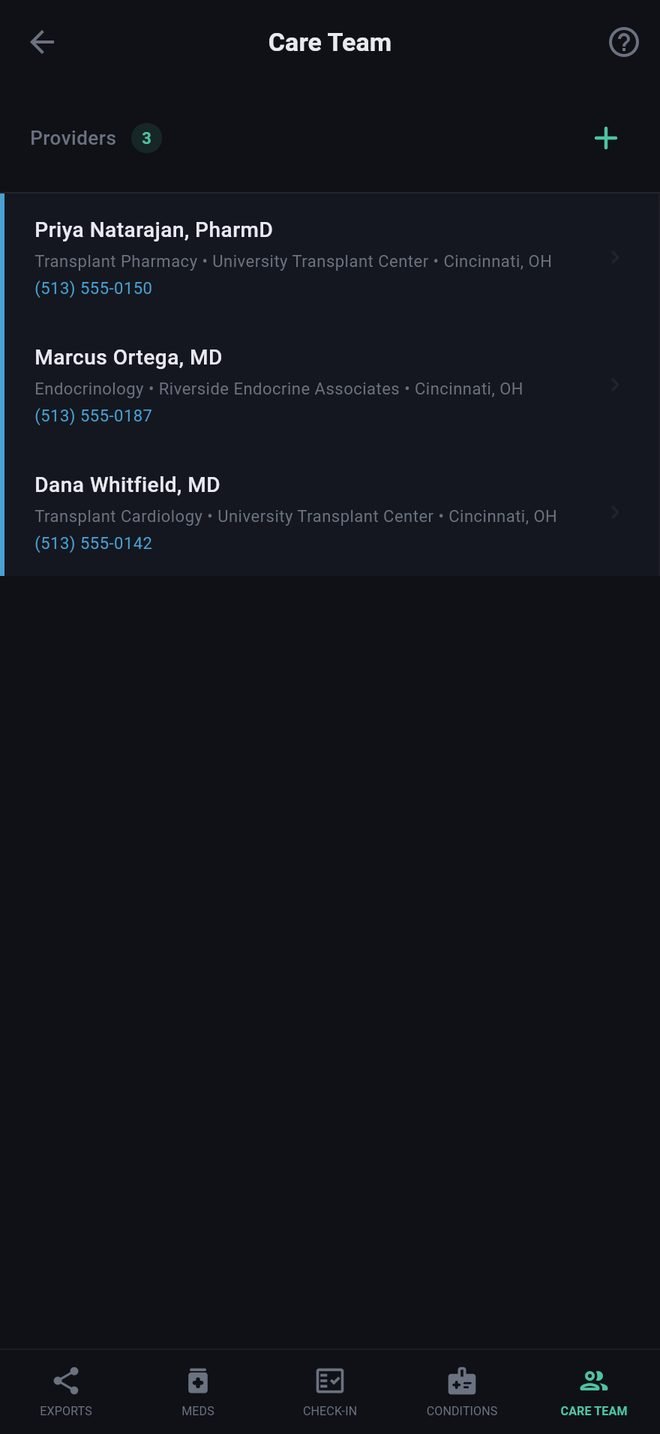
Adding a provider
- Tap +.
- To search, type the last name (and first name and state if you like) under Search NPI Registry. This looks in the public U.S. registry of health providers. Tap the right person and their details are filled in.
- Or type everything yourself.
- Check the specialty, practice, address and phone, and save.
Tap a provider to edit; swipe to the left to remove.
Where it is used
The Care Team report, the Full Report, and your Care Packet, which lists each provider with their phone number.
What the search sends
Only the name and state you type, to a public government registry. See Privacy.
Care team
Keeping your providers and their contact details.
Tap Care Team at the bottom.
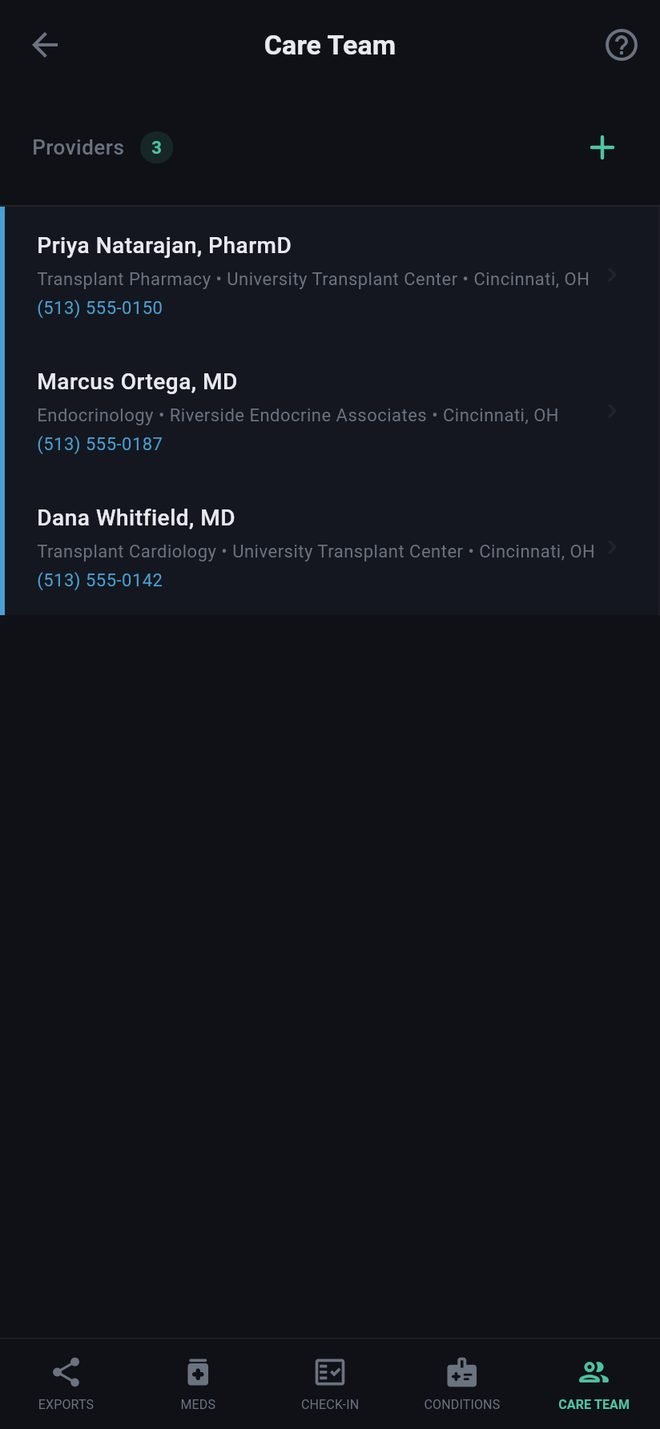
Adding a provider
- Tap +.
- To search, type the last name (and first name and state if you like) under Search NPI Registry. This looks in the public U.S. registry of health providers. Tap the right person and their details are filled in.
- Or type everything yourself.
- Check the specialty, practice, address and phone, and save.
Tap a provider to edit; swipe to the left to remove.
Where it is used
The Care Team report, the Full Report, and your Care Packet, which lists each provider with their phone number.
What the search sends
Only the name and state you type, to a public government registry. See Privacy.