
What Aevora Reporter does
The short version, and what the app will never do.
Aevora Reporter gathers the health readings your devices already collect, adds your own daily account of how you are, and turns both into reports and messages your care team can read.
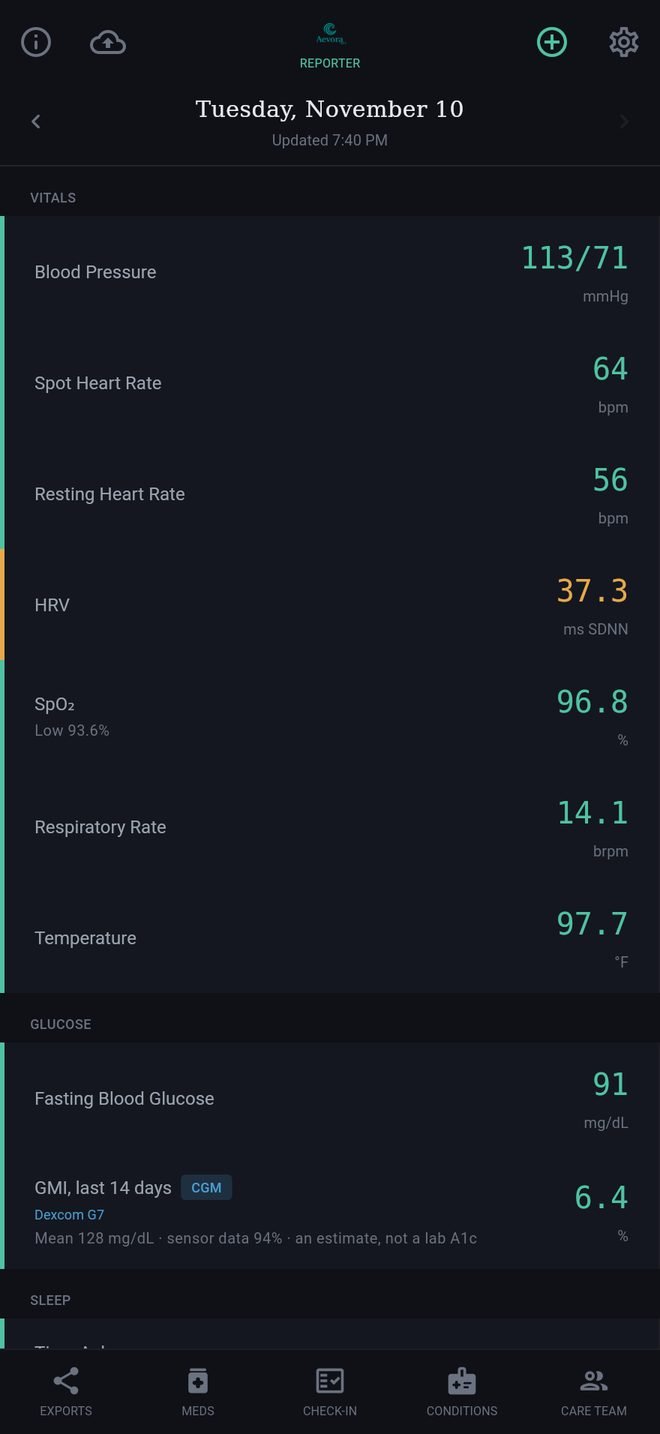
The five buttons along the bottom
- Exports builds reports to share. See Reports.
- Meds holds your medication list and schedule. See Medications.
- Check-In is the daily check and the Care Packet. See The Daily Check.
- Conditions holds your conditions and allergies. See Conditions and allergies.
- Care Team holds your providers. See Care team.
Tap a button again, or the back arrow, to return to Today.
The icons along the top of Today
- The i opens About, where this Help also lives.
- The cloud saves a backup in one tap. See Backup and restore.
- The + opens Log Vitals to type in a reading. See Log Vitals.
- The gear opens Settings.
What the app does not do
- It does not interpret your readings, rate your symptoms, diagnose, or give medical advice. It compiles a record; your care team reads it.
- It does not send anything to anyone by itself. A report or packet leaves your phone only when you share it. See Privacy.
If you think you are having an emergency, call your local emergency number (000, 111, 112, 911 or 999, depending on your country). Do not use the app to decide.
What Aevora Reporter does
The short version, and what the app will never do.
Aevora Reporter gathers the health readings your devices already collect, adds your own daily account of how you are, and turns both into reports and messages your care team can read.
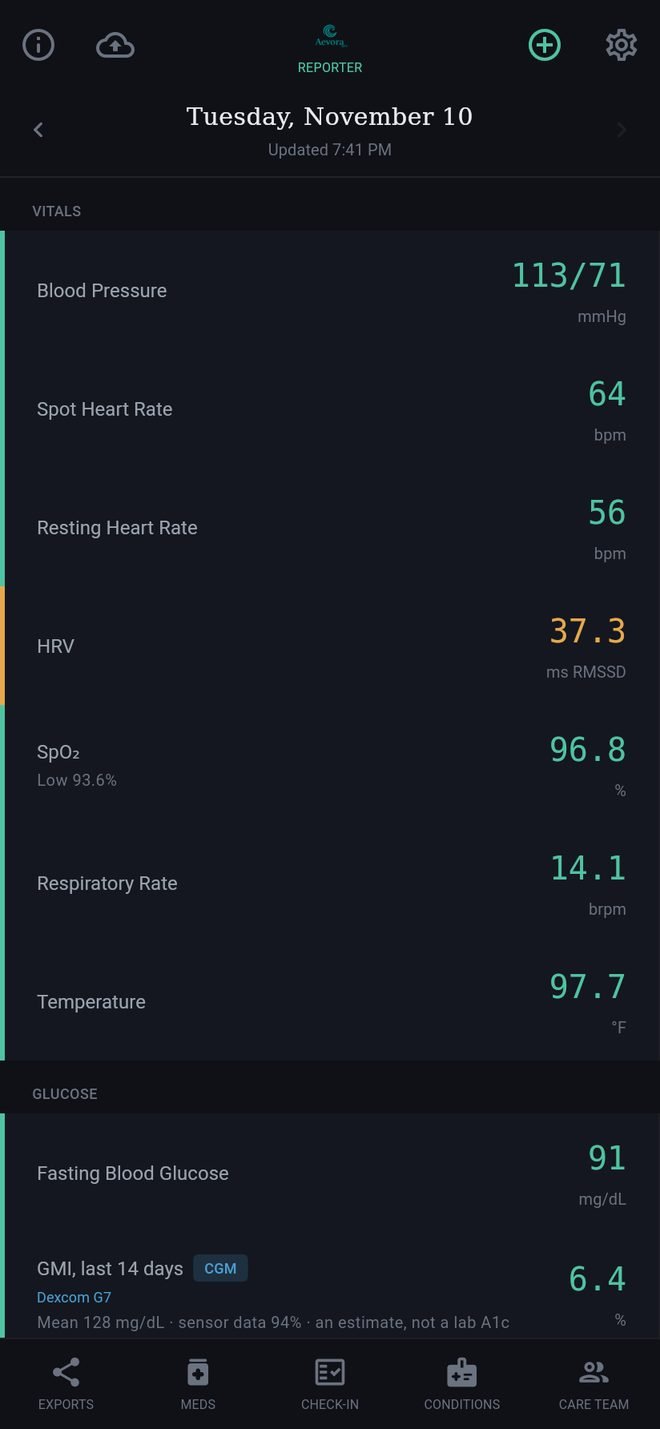
The five buttons along the bottom
- Exports builds reports to share. See Reports.
- Meds holds your medication list and schedule. See Medications.
- Check-In is the daily check and the Care Packet. See The Daily Check.
- Conditions holds your conditions and allergies. See Conditions and allergies.
- Care Team holds your providers. See Care team.
Tap a button again, or the back arrow, to return to Today.
The icons along the top of Today
- The i opens About, where this Help also lives.
- The cloud saves a backup in one tap. See Backup and restore.
- The + opens Log Vitals to type in a reading. See Log Vitals.
- The gear opens Settings.
What the app does not do
- It does not interpret your readings, rate your symptoms, diagnose, or give medical advice. It compiles a record; your care team reads it.
- It does not send anything to anyone by itself. A report or packet leaves your phone only when you share it. See Privacy.
If you think you are having an emergency, call your local emergency number (000, 111, 112, 911 or 999, depending on your country). Do not use the app to decide.