
Show instructions for
Medications
Building your medication list and schedule.
Tap Meds at the bottom.
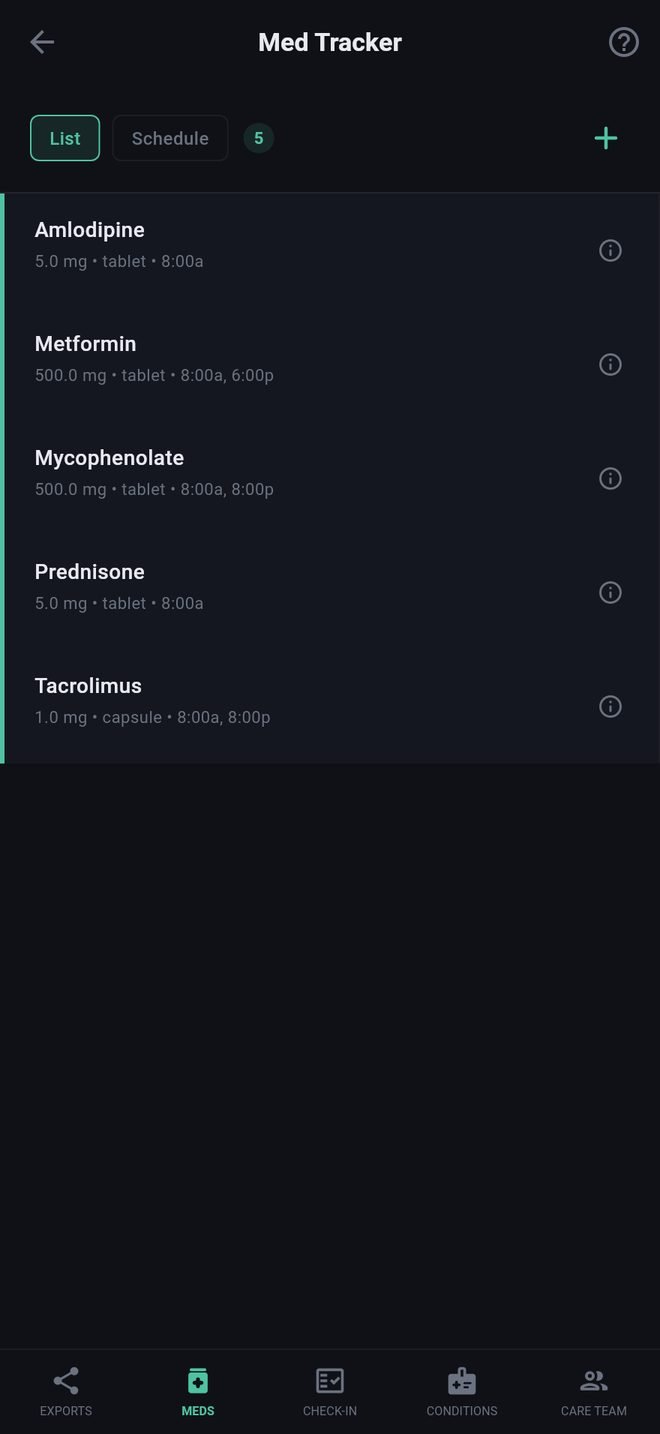
Adding a medication
- Tap +.
- Start typing the name. Suggestions appear from the U.S. National Library of Medicine's drug list; tap the one that matches your label, including its strength. You can also type a name that is not listed.
- Check the strength and form (tablet, capsule, injection, inhaler, topical).
- Under When to Take, add up to three times a day, choosing Morning, Afternoon, Evening or Bedtime and how many you take each time.
- Add any special instructions, then save.
The schedule
The list is grouped by time of day, which is how it prints as the Medication Schedule report.
- Tap a medication to edit it.
- Tap the i on a medication to read its FDA label: what it is for, warnings and interactions. This is reference information, not advice for you; ask your pharmacist or care team.
- Swipe a medication to the left to remove it.
Why it matters elsewhere
- Check-In asks each day whether you took everything, and lets you mark which were late or missed from this list.
- A transplant profile marks your anti-rejection medications from this list.
- Your Care Packet and Full Report include the list.
What the search sends
Only the letters you type, to a public government drug database. See Privacy.
Medications
Building your medication list and schedule.
Tap Meds at the bottom.
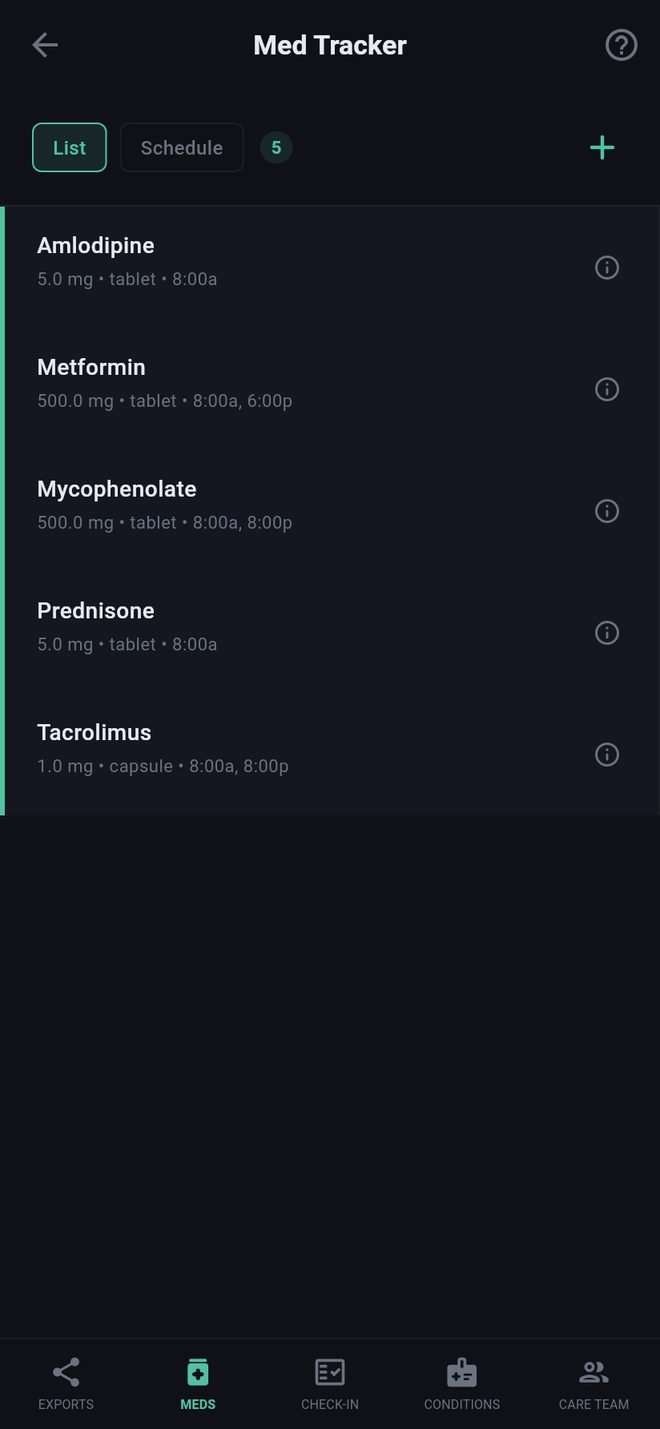
Adding a medication
- Tap +.
- Start typing the name. Suggestions appear from the U.S. National Library of Medicine's drug list; tap the one that matches your label, including its strength. You can also type a name that is not listed.
- Check the strength and form (tablet, capsule, injection, inhaler, topical).
- Under When to Take, add up to three times a day, choosing Morning, Afternoon, Evening or Bedtime and how many you take each time.
- Add any special instructions, then save.
The schedule
The list is grouped by time of day, which is how it prints as the Medication Schedule report.
- Tap a medication to edit it.
- Tap the i on a medication to read its FDA label: what it is for, warnings and interactions. This is reference information, not advice for you; ask your pharmacist or care team.
- Swipe a medication to the left to remove it.
Why it matters elsewhere
- Check-In asks each day whether you took everything, and lets you mark which were late or missed from this list.
- A transplant profile marks your anti-rejection medications from this list.
- Your Care Packet and Full Report include the list.
What the search sends
Only the letters you type, to a public government drug database. See Privacy.